
This is a user manual that provides information on how to use and precautions for Casio watches, including functions such as time setting, alarm, stopwatch, etc.
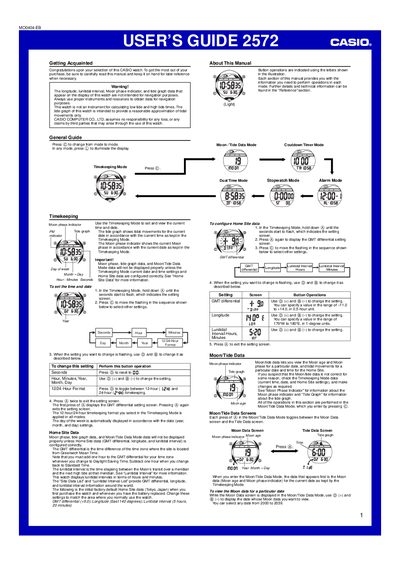
This guide introduces the Casio 2572 watch, covering basic operation of the Timekeeping mode, Moon/Tide Data mode, Dual Time, Stopwatch, and Countdown Timer. It also explains how to set the watch’s home site data (GMT differential, longitude, lunitidal interval) for accurate moon phase and tide information.
The manual provides detailed instructions for configuring alarms, the auto‑light backlight, and the auto‑light switch, as well as safety warnings and reference tables for technical parameters such as GMT differential range and timer settings.
| GMT differential range | -1.0 to +14.0 (0.5‑hour steps) |
|---|---|
| Default Home Site data (factory) | GMT +9.0, Longitude 140°E, Lunitidal interval 5 h 20 min |
Press the © button in any mode; the display will illuminate for about one second regardless of the auto‑light switch setting.