
The CASIO CE-2400 is an electronic cash register designed to provide reliable operation. It is easy to operate and does not require special training. This manual contains all the information you need and should be kept for reference. If you have any questions, please consult your CASIO dealer. If your product needs repair or replacement parts, please contact the authorized service center. For programming assistance, please call 1-800-638-9228.
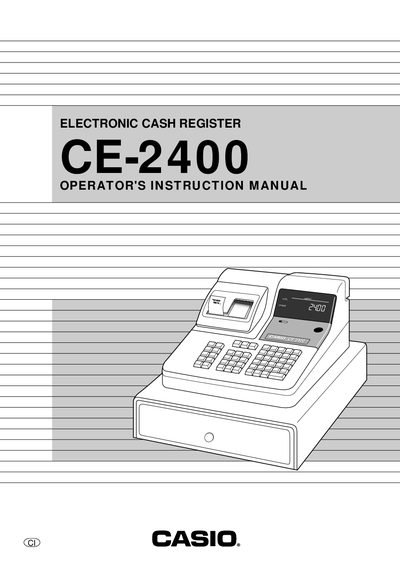
This manual introduces the Casio CE-2400 electronic cash register, covering unpacking, installation of batteries and paper, and basic safety precautions. It guides users through initial setup, including setting the date, time, and tax calculation programs.
The document also details daily operations such as sales entry, department and PLU programming, report generation, troubleshooting, and warranty information, helping operators and service personnel maintain reliable performance.
Install the three memory backup batteries as described on page 14.
Never operate the cash register without paper; doing so can damage the printer.