
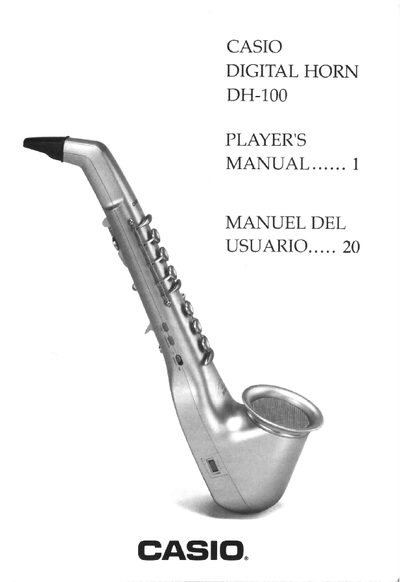
The DH-100 Digital Horn offers six realistic instrument tones, a built‑in speaker, portamento effect, key transpose, breath modes, and two fingering patterns. It can be powered by five AA batteries, an optional AD‑1 AC adaptor, or a CA‑1 car adaptor for portable use.
The manual explains how to insert and replace batteries, connect power adapters, use the auto power‑off feature, operate the instrument with the chosen fingering pattern, and connect via MIDI. Safety tips and care instructions help ensure long‑term reliability.
| Power source options | 5 AA batteries, AD‑1 AC adaptor, CA‑1 car adaptor |
|---|---|
| MIDI output | MIDI Out |
You can power the DH-100 with five AA batteries, an optional AD‑1 AC adaptor, or a CA‑1 car adaptor.
Turn the DH-100 off, remove the battery compartment cover, and replace all five batteries with the correct polarity.
Hold down the four keys shown in the manual and turn the power ON; the unit will stay on until you turn it off.
The DH-100 includes a MIDI Out port that can control other MIDI instruments or sound sources.