
This file is the user manual of CASIO electronic dictionary, which introduces the use of electronic dictionary, function features and so on
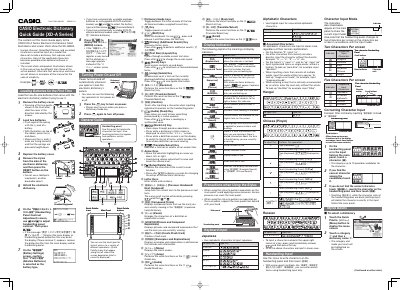
The guide explains basic setup for the XD‑A Series electronic dictionary, including loading the two AA‑size batteries, installing the battery cover, and turning the device on or off with dictionary keys. It also covers key functions such as power control, stylus handling, and navigation through menus.
Detailed instructions are provided for entering characters in various languages, using the handwriting panel, and performing the five search patterns. Additional features such as native‑speaker pronunciation, volume control, and safety precautions for stylus use are also described.
| Battery type | AA Alkaline |
|---|
Remove the battery cover, insert two AA‑size batteries with the correct polarity, replace the cover, and press the reset button.
Power turns on automatically when you open a panel or press a dictionary/mode key; press the same key again (or press 5) to turn it off.
Do not apply excess pressure on the main panel; support the panel from behind while using the stylus.
The dictionary provides five basic patterns for term searches.