
This document introduces the basics of Casio BASIC programming, including creating programs, variable basics, and basic loops.
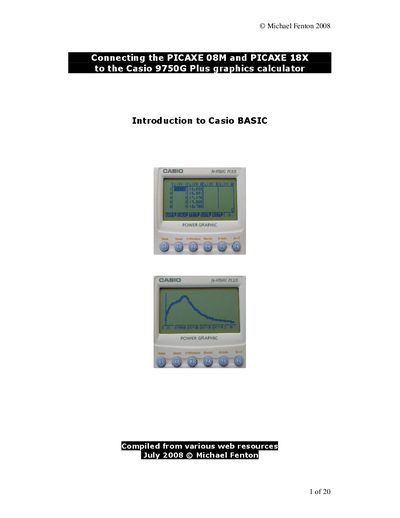
This manual explains how to create and edit programs on the Casio 9750G Plus graphics calculator. It covers the BASIC language basics such as creating programs, variables, loops, selection statements, logical operators, and input methods.
The document also details the communication protocol used by the calculator for external devices, describing the RECEIVE() and SEND() sequences, required byte codes, and packet structures.
| Attention request byte | $15 |
|---|---|
| Device present byte | $13 |
| Confirmation byte | $06 |
| Variable‑description packet length | 50 bytes |
Press the MENU key, locate the program icon, press EXE, then press E3 to start a new program and optionally set a password.
Use the ? command with the syntax ?->(Variable) to prompt the user and store the entered value in a variable.