
This document is the user manual of CS-128A 8-Port KVM Switch
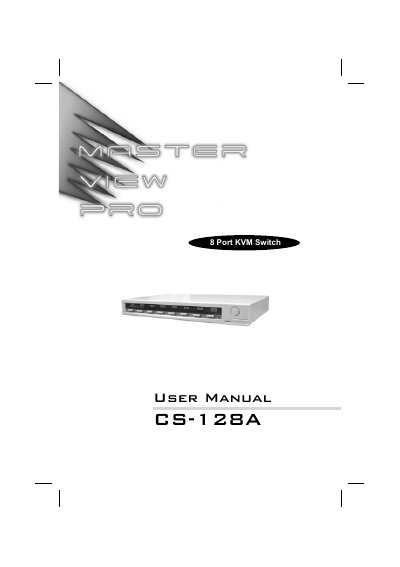
The Master View CS-128A KVM Switch lets a single console control up to eight computers directly and up to 512 computers through cascading. It requires no software; selection is done via front‑panel switches, hot‑key combinations, or the on‑screen display (OSD).\n\nThe manual covers hardware requirements, cable connections, installation steps, operation procedures, OSD navigation, troubleshooting, and full technical specifications. It also includes FCC compliance information and warranty details.
| Computer Direct Connections | 8 |
|---|---|
| Maximum Computers (Daisy Chain) | 512 |
| Power Consumption | DC 9V; 1.08W (max.) |
| Operating Temperature | 5 ~ 40 °C |
| Dimensions (L×W×H) | 366 × 250 × 45 mm |
| Weight | 2850 g |
| Video Connector | HDB‑15 female (VGA/SVGA) |
It can control up to 8 computers directly and up to 512 computers when cascaded through three levels.
No software is required; computers are selected via front‑panel switches, hot‑keys, or the OSD.
The switch emulates both PS/2 and serial mice and supports PS/2‑compatible three‑button mice.
It is powered by a 9 V DC supply with a maximum consumption of 1.08 W.