
User manual for ATEN CS1308/CS1316 KVM switch covering installation, operation, and troubleshooting.
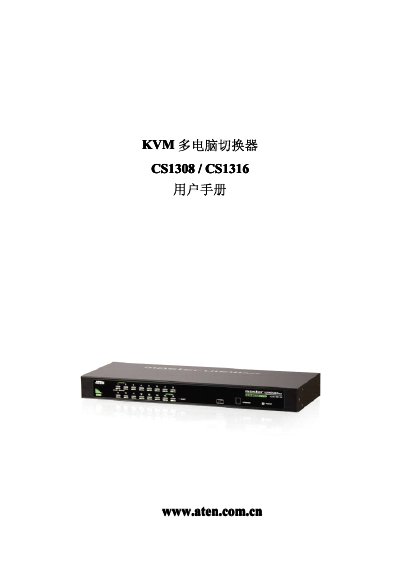
This manual provides complete guidance for the ATEN CS1308/CS1316 KVM switch, including hardware installation, basic operation, OSD navigation, and firmware updates. It also contains safety information, packaging details, and warranty terms.
The document is organized into chapters such as Introduction, Hardware Installation, Basic Operation, OSD Operation, Keyboard Port Operation, Keyboard Emulation, Firmware Update Tool, and Appendices with specifications, connection tables, and troubleshooting steps. This manual is written in Chinese.
| Maximum direct computer connections | 8 (CS1308) / 16 (CS1316) |
|---|---|
| Power consumption | 5 W (CS1308) / 6.6 W (CS1316) |
| Dimensions (L×W×H) | 43.3 mm × 160.0 mm × 44.0 mm |
| Weight | 1.89 kg (CS1308) / 2.10 kg (CS1316) |
| Operating temperature range | 0 °C – 50 °C |
The CS1308 can connect up to 8 computers directly, while the CS1316 can connect up to 16; both models can be expanded by stacking.
The package contains one CS1308/CS1316 KVM switch with rack‑mount kit, a control‑end cable, a firmware‑update cable, a set of four foot pads, an AC power adapter, and the user manual.