
The ATEN CS1308 / CS1316 KVM Switch User Manual provides installation, configuration, operation and technical specifications.
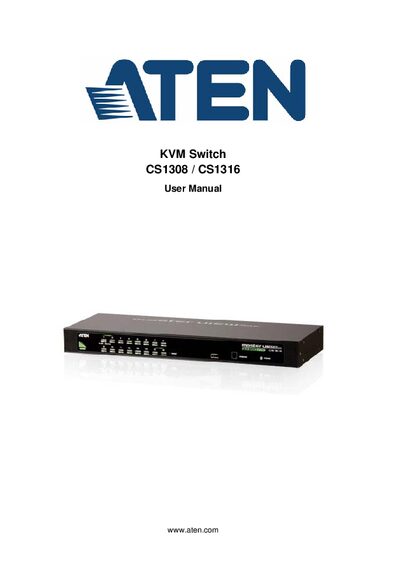
This manual covers all aspects of setting up and using the ATEN CS1308 / CS1316 KVM Switch, including hardware setup, basic operation, OSD functions, keyboard port operation, and firmware upgrades. Detailed safety information, warranty terms, and troubleshooting tips are also included.
The document contains a full list of package contents, connection tables, specifications such as power consumption and dimensions, and step‑by‑step procedures for single‑level, two‑level and stacked installations.
| Computer Connections | Direct 8/16, Max 64 (cascade), 256 (cascade) |
|---|---|
| Power Consumption (CS1308) | DC 5.3 V; 5 W |
| Weight | 1.89 kg (CS1308), 2.10 kg (CS1316) |
| Dimensions (L×W×H) | 43.30 mm × 16.00 mm × 4.40 mm |
| Operating Temperature | 0 °C to 50 °C |
The package contains the KVM switch with rack‑mount kit, a console cable, a firmware upgrade cable, a foot‑pad set, a power adapter, and the user instructions.
The CS1308 supports 8 direct computer connections, up to 64 via cascade, and up to 256 via double cascade.
The unit measures 43.30 mm × 16.00 mm × 4.40 mm (L × W × H).