
This is a user manual that introduces the installation and operation methods of Master View CS-72A KVM Switch.
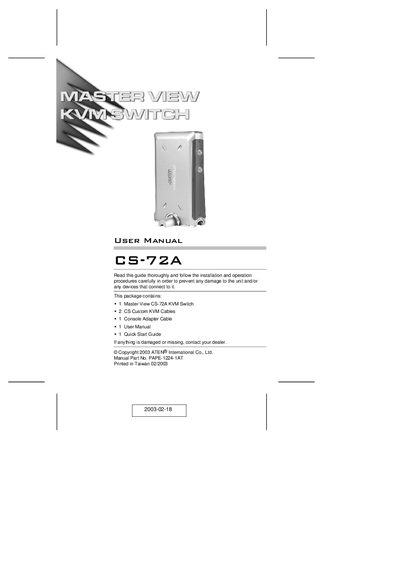
The CS-72A KVM Switch lets you control two computers from a single keyboard, monitor, and mouse using custom SPDB‑15 connectors. Its compact vertical‑standing design reduces the number of required ports to three and provides a clean, space‑saving setup without any software configuration.
Installation is straightforward: connect the provided CS custom cables to the computers and the console, then select the active computer with the front‑panel switches or hotkey combinations. The switch supports standard PS/2 keyboards and mice, offers automatic power‑on detection, and includes features such as auto‑scan, LED status indicators, and hot‑plug capability.
| Video resolution support | Up to 2048 × 1536 |
|---|---|
| Supported keyboard | APS/2 style keyboard |
| Supported mouse | PS/2 style mouse |
Press the port selection switches on the front panel or use the hotkey combinations from the keyboard.
No, the CS-72A does not require external power; a power adapter is optional.
The package includes one console adapter cable and two 1.2 m CS custom KVM cables; additional CS custom cable sets are available.