
This document is the user manual for CS-72E and CS-74E products, which introduces the features and characteristics of the products.
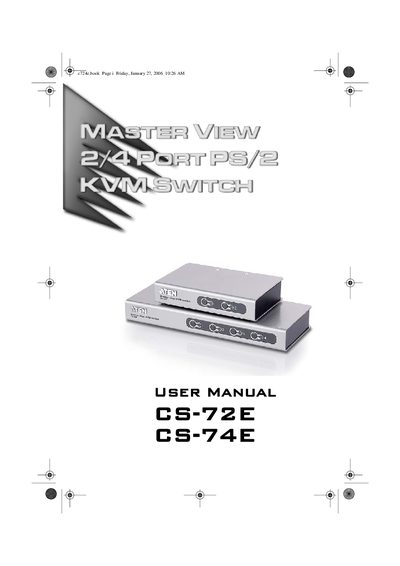
This manual covers safety guidelines, FCC and RoHS compliance, and the package contents for the ATEN CS-72E/CS-74E PS/2 KVM switch. It explains how to verify the voltage setting, avoid liquid spills, and protect the device from overheating.
The guide details hardware setup (front and rear views, installation), operation (manual and hot‑key port selection, Auto Scan mode), LED status indicators, supported video resolutions, keyboard/mouse compatibility, power‑rating limits, and warranty information. Troubleshooting steps for common issues such as loose cables or device not responding are also included.
| FCC Classification | Class A |
|---|---|
| RoHS Compliance | Compliant |
| Keyboard/Mouse Interface | PS/2 keyboards and mice only |
| Maximum Wall‑Outlet Load | 15 A total |
The switch works only with PS/2 keyboards; AT or XT keyboards are not supported.
The KVM switch supports video resolutions up to 2048 × 1536.