
The Master View CS-124A is a 4-port KVM switch from ATEN that allows access to four computer systems from a single PS/2 keyboard, PS/2 mouse, and monitor console in a cost-effective manner.
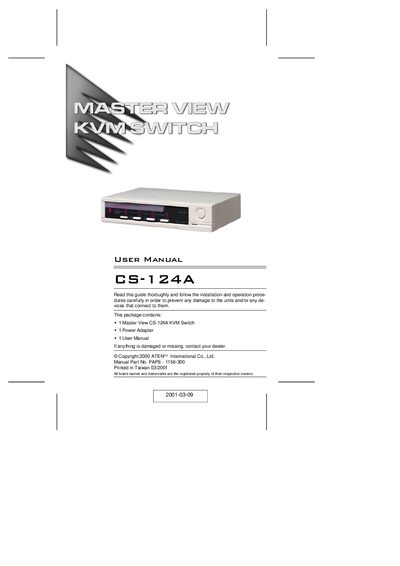
The ATEN Master View CS-124A is a 4‑port KVM switch that lets a single PS/2 keyboard, mouse and monitor control up to four computers. It supports hot‑plugging, auto‑scan, and optional foot‑switch control without any software installation.
The manual provides hardware requirements, step‑by‑step installation for single, two‑stage, and three‑stage cascades, detailed front and rear panel descriptions, troubleshooting tips, and compliance information.
| Number of ports | 4 |
|---|---|
| Maximum resolution | 1920x1440 |
| Maximum bandwidth | 180 MHz |
| Supported mouse | MS Intellimouse (3 keys) |
| Cascadable levels | Up to 3 levels (64 computers) |
| Hot‑pluggable | Yes |
| Rack mountable | Optional rack panel (Part No. 2X-004) |
It can control up to 64 computers when cascaded to three levels.
Reset the keyboard by unplugging it from the Console Keyboard Port and plugging it back in.
Press the Spacebar to exit Auto Scan (or Last/Next) mode.