
This manual introduces the features and usage of Master ViewTM KVM Switch CS-88A product
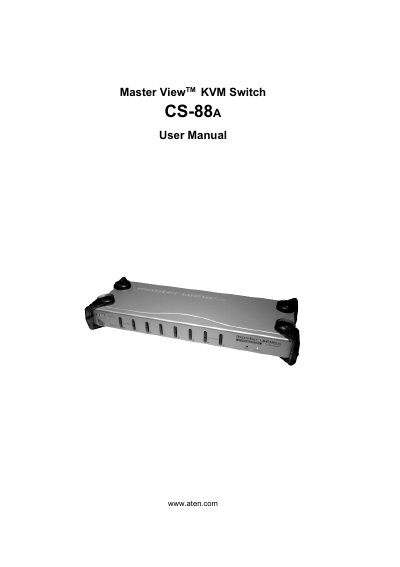
This manual covers all aspects of installing and using the ATEN CS-88A KVM switch, including hardware setup, basic operation, OSD navigation, and hotkey functions. It also provides safety information, FCC and RoHS compliance details, and warranty terms.
The document includes a package contents checklist, step‑by‑step installation procedures for single‑stage, two‑stage, and three‑stage configurations, and troubleshooting guidance to help resolve common issues.
You can register the product online at ATEN's support website (e.g., http://support.aten.com or http://aten-usa.com).
The package includes one CS-88A KVM switch, a power adapter, a rack mounting kit, a user manual, and a quick start guide.