
This manual provides detailed instructions for installing and using the CS-74A KVM switch. Please read it carefully to avoid damaging the device.
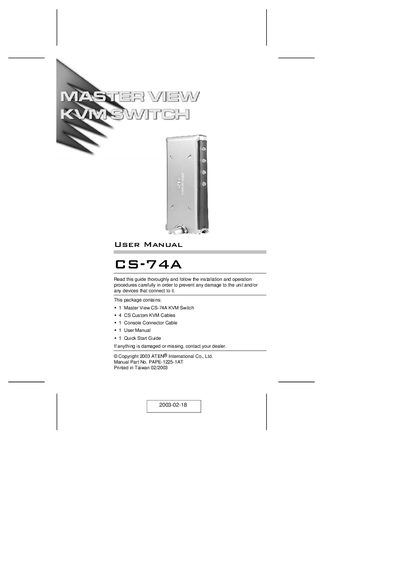
The CS-74A KVM switch lets a single console control up to four computers via custom SPDB‑15 connectors, offering a compact vertical‑standing design, hot‑plug capability, and video support up to 2048 × 1536. It requires no software configuration and works with any hardware platform.
The manual covers system requirements, wiring, installation steps, operation using front‑panel buttons or keyboard hotkeys, and troubleshooting tips, including cable handling and warranty information.
| Supported video resolution | Up to 2048 × 1536 |
|---|---|
| Number of supported computers | 4 |
| Power requirement | Non‑powered (optional external adapter) |
| Hot‑plug capability | Yes, computers can be added or removed without power down |
The CS-74A can control up to four computers from a single console.
No, the unit is non‑powered; an external power adapter is optional.