
This is the user manual of CS-1708 / CS-1716 USB KVM Switch
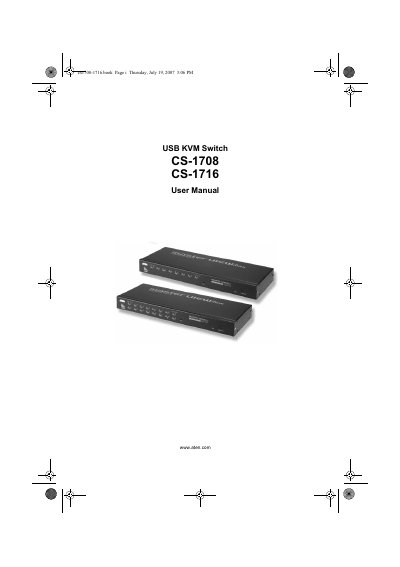
This manual covers all aspects of setting up and using the ATEN CS-1708/CS-1716 USB KVM switch, including hardware requirements, cable connections, and rack mounting. It also details the on‑screen display (OSD), hotkey functions, and keyboard emulation for Mac and Sun systems.
Additional sections explain the firmware upgrade utility, safety instructions, troubleshooting tips, and technical support contacts. An appendix provides the product specifications and connection tables.
The package contains one CS-1708 or CS-1716 KVM switch, two custom KVM cable sets, a firmware upgrade cable, a power adapter, a rack‑mount kit, and the user manual.
You can register internationally at http://support.aten.com or in North America at http://www.aten-usa.com/product_registration.
The device is classified as an FCC Class A product.