
This is a BIOS setup screen of a motherboard, the motherboard model is M3A785GM-LE
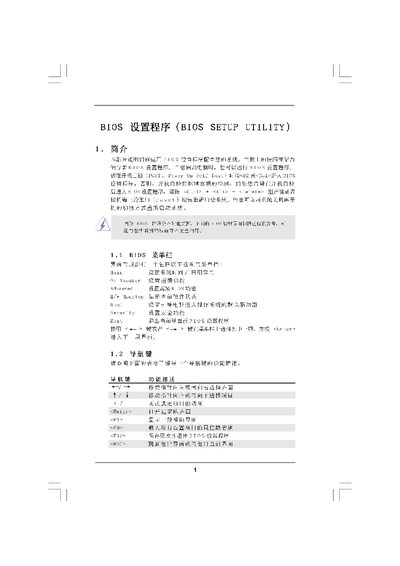
The BIOS Setup Utility manual explains how to configure system settings during POST. It describes each screen—Main, OC Tweaker, Memory Configuration, and Security—showing the available options and the keys used to navigate.
The document also provides instructions for common tasks such as loading default settings, saving changes, and exiting the utility, as well as detailed tables for CPU, memory and chipset parameters. This manual is written in Chinese.
| BIOS Version | iM3A7SSGN-LE Pl |
|---|---|
| Cache Size | 536KB |
| Supported DDR3 Frequencies | 800‑1333 MHz |
Press the ESC key or select the Exit option from the menu to leave the BIOS setup.
Choose the “Load BIOS Defaults” option (F9) to restore the factory configuration.