
This is the user's guide for the Brother HL-2700CN series laser printer, which introduces the printer's setup, use, maintenance, etc.
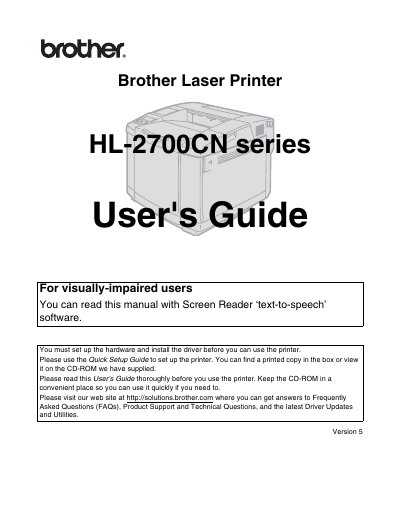
This guide explains how to set up the Brother HL-2700CN laser printer, including hardware installation, driver installation, and initial configuration. It also covers safety warnings, handling of hot components, and proper lifting procedures for the 31.5 kg (69.4 lb) unit.
The manual includes information on registering the product, accessing driver updates and FAQs online, FCC compliance details, and contact information for customer service and authorized service centers. Troubleshooting tips and maintenance recommendations are provided to help keep the printer running smoothly.
| Weight | 31.5 kg (69.4 lb) |
|---|---|
| Model number | HL-2700CN |
| Product name | Laser Printer HL-2700CN |
The printer weighs approximately 31.5 kg (69.4 lb).
Turn off the power switch, unplug the printer, and contact your dealer or Brother Customer Service.