
This manual is for Brother MFC-8370DN printer product user manual, mainly introduces the operation panel, loading paper and originals, general settings, security features and other content of the printer
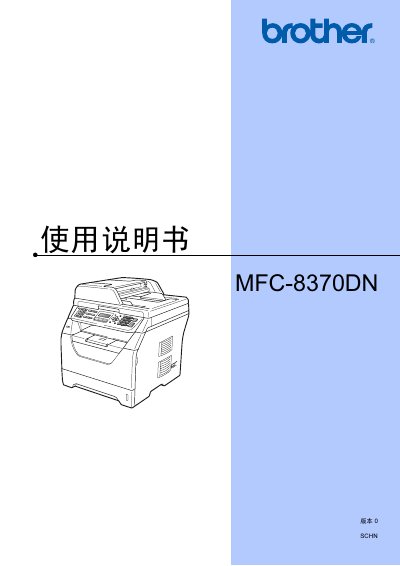
This manual covers the Brother MFC-8370DN multifunction printer, describing its features, safety information, and environmental guidelines. It includes instructions for installing paper, configuring settings, and using fax, copy, and scan functions.
The document also explains network and software functions, remote fax options, and troubleshooting steps, helping users operate the device efficiently and maintain compliance with local regulations. This manual is written in Chinese.
| Power consumption (off) | Zero |
|---|
Use the menu to enable/disable memory security, set a lock, and change the password.
Enter fax mode and select the option to send a single‑sided fax from the ADF.