
User manual, introduces the features and characteristics of Brother laser printers HL-5340D, HL-5350DN, HL-5370DW, including setup, use, maintenance, etc.
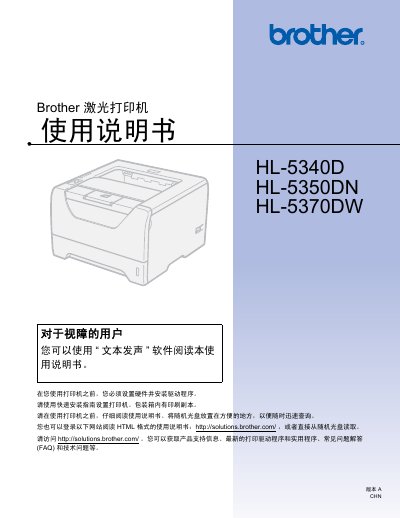
This manual covers safety precautions, unpacking, hardware installation, and power connection for the HL‑5340D, HL‑5350DN and HL‑5370DW laser printers. It explains how to install drivers for Windows, macOS and Linux, and describes the various printing modes, paper types, envelope handling, and duplex options.
Later sections detail routine maintenance such as toner and drum replacement, cleaning procedures, and troubleshooting common errors like paper jams and network issues. Appendices list full technical specifications, optional accessories, and provide links to Brother’s support website for driver downloads and FAQs. This manual is written in Chinese.
Turn off the power and unplug the printer before cleaning the interior.
Use the manual or automatic duplex printing options described in the double‑sided printing sections of the manual.