
This manual is the user guide for Brother laser printer HL-5130, HL-5140, HL-5150D, HL-5170DN. It includes information on product features, setup, use, maintenance, etc.
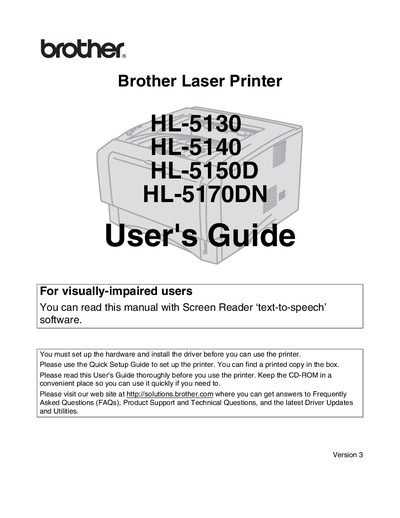
This guide covers the Brother HL‑5130, HL‑5140, HL‑5150D and HL‑5170DN laser printers, detailing everything from unpacking and hardware setup to driver installation and basic operation. It includes safety warnings, recommended paper types, and instructions for using the control panel and optional accessories.
The manual is organized into sections on printer specifications, driver and software installation, routine maintenance, troubleshooting common problems such as paper jams and print quality issues, and regulatory information for various regions. Appendices provide detailed specifications, regulatory compliance statements, and service resources.
Use water or neutral detergents; do not use volatile liquids such as thinner, benzene, or ammonia.
Make sure the paper is straight, reduce the amount in the tray, and verify that manual feed mode is not selected in the driver.