
Key facts
Start here
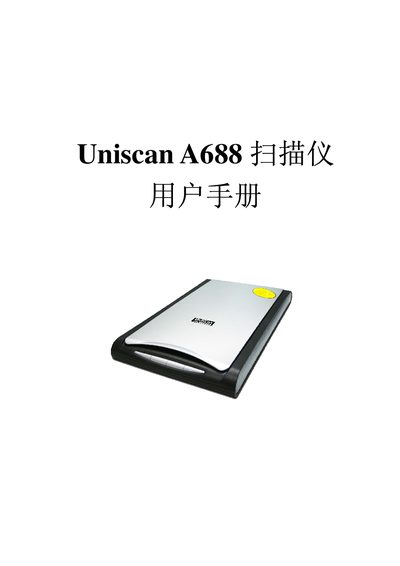
Uniscan A688 Scanner User Manual
This manual explains how to install the Uniscan A688 scanner, including driver installation via the InstallShield Wizard, connecting the USB interface, and configuring supported software such as TWAIN and Adobe Photoshop. It also covers basic scanning functions, copy, OCR, and e‑mail features.
The specification section lists the scanner’s hardware details, power requirements, supported operating systems, and performance figures such as optical resolution and scan area. Use this information for troubleshooting, maintenance, and ensuring compatibility with your computer system.
Uniscan A688 specifications
| Scan Area | 216 mm x 297 mm |
|---|---|
| Optical Resolution | 4800 dpi |
| Maximum Resolution | 24000 dpi |
| Power Supply | AC 220V +10%, 50Hz / DC 12V 1.254A |
| Dimensions (L×W×H) | 461 mm × 298 mm × 60 mm |
| Supported OS | Windows 98/Me/2000/XP Professional |
Source: Uniscan A688 Scanner User Manual
All Uniscan A688 documents by type
Day-to-day operation, settings and troubleshooting. Start here if the product is already set up.
Questions answered in these manuals
What is the maximum optical resolution of the Uniscan A688?
The scanner provides an optical resolution of up to 4800 dpi.
What power requirements does the Uniscan A688 have?
It operates on AC 220 V + 10 % at 50 Hz and also accepts a DC 12 V supply of 1.254 A.
How do I install the Uniscan A688 scanner?
First install the driver software from the supplied CD, then connect the scanner to the PC via the USB cable and follow the on‑screen prompts.
What is the optical resolution of the Uniscan A688?
The scanner provides an optical resolution of 4800 dpi vertical by 1200 dpi horizontal.