
This guide provides information about the basic features, appearance, control panel menus, and supported Windows software and Macintosh software for the HP Color LaserJet CP3525 series printer.
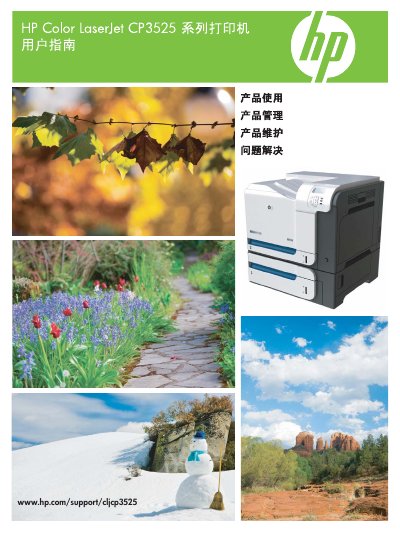
This manual covers the basic information of the HP Color LaserJet CP3525 series printer, including product overview, control panel layout, menu structure, and detailed instructions for using the printer's functions such as printing, paper handling, and color management.\n\nIt also describes software support for Windows and Macintosh, network configuration, media and paper specifications, maintenance procedures, firmware updates, and a comprehensive troubleshooting guide for common issues like paper jams and print quality problems. This manual is written in Chinese.
Refer to the section "清除纸盘 1 中的卡纸" for step‑by‑step instructions to remove the jam.
The manual provides a procedure under "设置或更改网络密码" to modify the network password.
Installation steps are described in the "HP 通用打印驱动程序 (UPD)" section of the manual.