
This help document introduces the use of the HP Photosmart A820 series printer. It includes how to use the touch screen, how to print photos, how to edit photos, how to maintain the printer, etc.
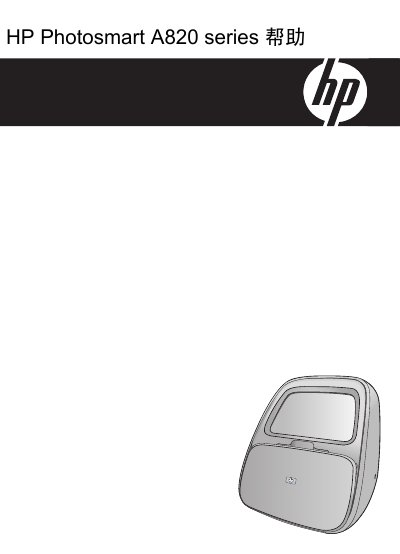
This manual covers everything you need to know about the HP Photosmart A820 series printer, including getting started, paper handling, printing with or without a computer, photo printing, and menu navigation. It also explains how to use Bluetooth, PictBridge, and storage cards for wireless and direct printing.
Later sections detail maintenance tasks, troubleshooting tips, ink supply ordering, support resources, technical specifications, and regulatory and environmental information for the device. This manual is written in Chinese.
| Connection | USB 2.0 |
|---|---|
| PictBridge Compatibility | Windows XP Home, XP Professional, x64 Edition, Vista |
| Bluetooth Compatibility | Windows XP Home, XP Professional, x64 Edition, Vista |
| Display | 18 cm (7.1 in) touchscreen LCD |
| Supported Media Size | 13 × 18 cm (5 × 7 in) photo paper |
You can print directly from a PictBridge‑compatible camera or device, a storage card, Bluetooth, or an iPod.
The software requires Windows XP Home, XP Professional, x64 Edition, or Vista, with at least a 233 MHz processor and 128 MB RAM (256 MB recommended).
Use the automatic cartridge cleaning function in the Maintenance toolbox dialog.