
This manual introduces the basic functions and usage methods of HP Color LaserJet CP1510 series printers, including software, paper and printing media, I/O configuration and network configuration.
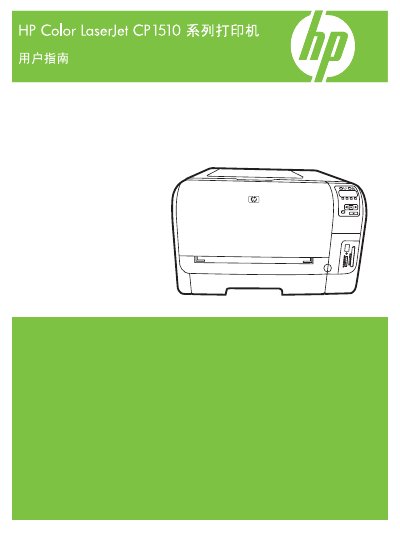
This user guide covers the HP Color LaserJet CP1510 series printer, including basic knowledge, product features, printer views, control‑panel functions, and model/serial‑number identification. It also details software installation, supported operating systems, driver configuration, and paper‑media handling.
Additional sections explain network configuration, printing tasks, maintenance, and troubleshooting procedures, along with specifications for physical dimensions, electrical requirements, and supported media types. This manual is written in Chinese.
| Supported paper sizes | Letter, Legal, A4, Executive, A3, A5, A6, B4 (JIS), B5 (JIS), B5 (ISO), B6 (ISO), 16k, 8.5×13, 4×6, 5×8, 10×15 cm, custom |
|---|---|
| Paper tray 1 capacity (Letter) | 216 mm × 279 mm |
| Energy Star certification | Yes |
| Copyright year | 2007 |
Use the embedded Web server or HP ToolboxFX to configure TCP/IP, DHCP, and other network parameters.
The printer supports a range of sizes including Letter, Legal, A4, A3, A5, B4 (JIS), B5 (ISO), and custom dimensions.
Open the front cover, remove the depleted cartridge, and insert a new HP toner cartridge as described in the maintenance section.
The model and serial number are listed on the printer’s control panel and on the label inside the front cover.