
This is a user manual for HP Photosmart A440 series.
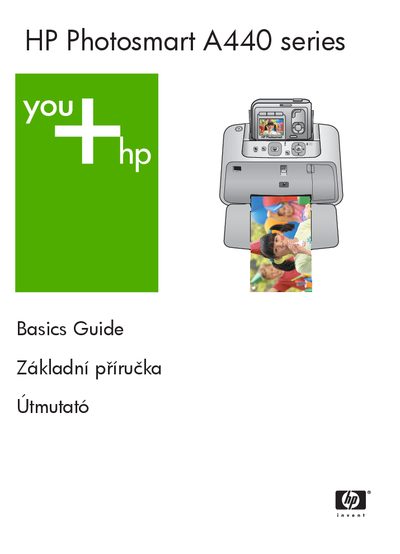
This guide covers the HP Photosmart A440 Series, an integrated camera‑printer device. It explains how to set up the printer, load paper, dock a camera, install software, and use the control panel to print photos directly or from a computer. The manual also describes how to improve print quality, replace the ink cartridge, and clean the print head automatically.
Key sections include a description of printer parts, step‑by‑step loading of paper, printing procedures, print‑quality settings, troubleshooting of hardware and printing problems, and a specifications table with power, environmental, and media requirements.
| Supported Windows operating systems | Windows XP Home, XP Professional, or x64 Edition |
|---|---|
| Supported Mac operating systems | Mac OS X 10.3.x, 10.4.x |
| Supported photo paper size | 10 × 15 cm (4 × 6 in) |
| Paper capacity | 20 sheets of 10 × 15 cm photo paper (max thickness 292 µm) |
| Operating temperature range | 5‑40 °C, 5‑90 % RH (max) |
| Recommended temperature range | 15‑35 °C, 20‑80 % RH (recommended) |
| Power consumption while printing | 14.4 W |
| Power consumption while idle (docked camera) | 8.1 W |
| North America power input | 120 V AC, 60 Hz |
| World power input | 100‑240 V AC, 50/60 Hz |
Open the output tray first; the input tray opens automatically, load the paper, then close the output tray.
The printer uses 14.4 W while printing.
Windows XP Home, XP Professional, or x64 Edition, and Mac OS X 10.3.x or 10.4.x.