
The HP Photosmart A320 Series User Guide provides information on the basic information, usage, and printing functions of the product.
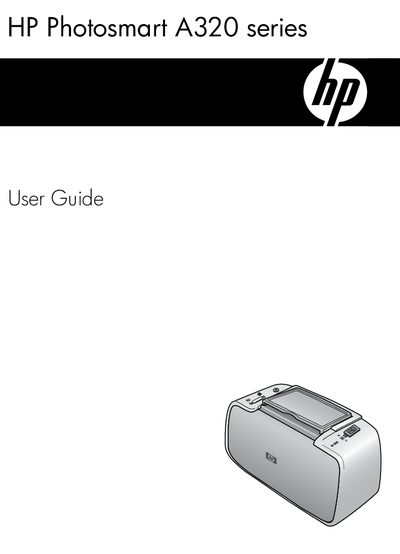
This guide helps you get the most out of your HP Photosmart A320 series printer. It covers quick setup, printing directly from PictBridge‑compatible cameras, Bluetooth devices, and computers, as well as using the included HP Photosmart software for editing, sharing, and enhancing photos.
The manual also describes the printer’s parts, indicator lights, optional accessories, maintenance tasks such as cartridge replacement and cleaning, troubleshooting steps, technical specifications, and how to obtain support from HP.
| Print cartridge model | HP 110 Tri-color Inkjet |
|---|---|
| Regulatory model identification number | VCVRA-0707 |
| Supported operating systems | Windows, Windows 2000, Windows XP, Windows Vista |
Use the USB port on the rear of the printer and connect a USB cable to the computer.
Connect the optional Bluetooth adapter and select the Bluetooth printing option to print photos wirelessly.
Open the print cartridge door, remove the old cartridge, and insert a new HP 110 Tri‑color Inkjet cartridge.