
This user guide introduces the features and characteristics of the Acer ICONIA TAB tablet PC and guides you through the setup and use of the tablet PC.
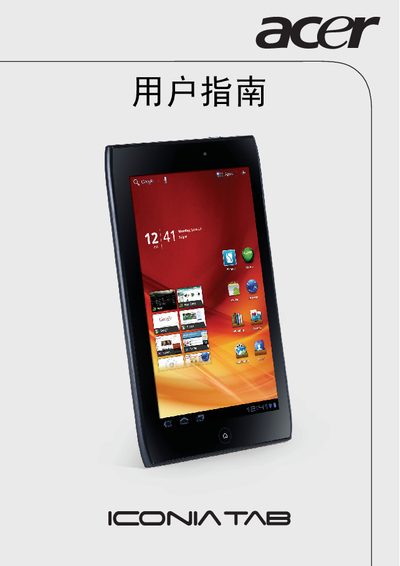
The Acer ICONIA TAB A100 is a tablet computer featuring a 1024 × 600 pixel display, Wi‑Fi + 3G connectivity, microSD card slot, HDMI video output and USB port. It also supports Dolby Mobile audio and includes various hardware interfaces for everyday use.
The manual contains safety guidelines, usage instructions, and a Declaration of Conformity that lists the European standards the device complies with. It also provides technical specifications and warranty information for owners and service technicians.
| Screen resolution | 1024 × 600 pixels |
|---|---|
| Connectivity | Wi‑Fi + 3G |
| Memory card slot | microSD |
| Audio | Dolby Mobile |
The model number is A100.
It complies with EN 300 328 V1.7.1, EN 300 440‑1 V1.6.1, EN 300 440‑2 V1.4.1, EN 301 489‑1 V1.8.1, EN 301 489‑3 V1.4.1, EN 301 489‑17 V2.1.1, EN 55022:2006/A1:2007, EN 55024:1998/A1:2001/A2:2003, EN 60950‑1:2006+A11:2009, EN 50332‑2:2003, EN 62311:2008 and EN 62209‑2:2010.
The tablet offers Wi‑Fi + 3G, a microSD card slot, HDMI video output, and a USB port.