
This is a technical specification book about E T 0 3 5 0 0 7 M D H 6 , a product of EMERGING DISPLAY . The main content includes general, mechanical, absolute maximum ratings, electrical characteristics, timing chart, optical characteristics, outline dimensions, block dimensions, detail drawing, interface signal etc.
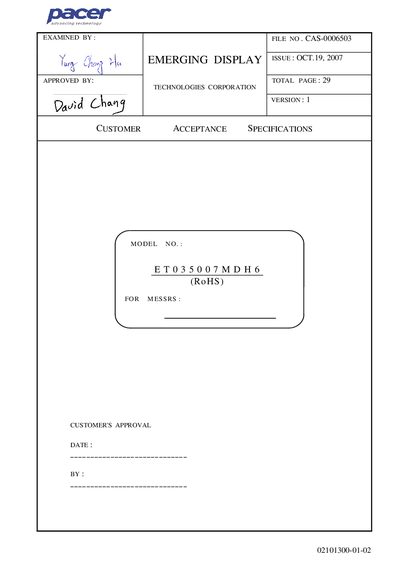
This specification document describes the ETO35007MDH6 LCD module, covering general, mechanical, electrical and optical characteristics. It includes dimensions, display resolution, backlight type, and compliance with RoHS requirements.
The document also provides absolute maximum ratings, timing charts for the parallel RGB interface, testing conditions, and handling precautions such as grounding during soldering and avoiding static discharge.
| Resolution | 320 x 240 dots |
|---|---|
| Module Size (W x H x D) | 76.8 mm × 63.8 mm × 8.1 mm |
| LCD Type | TFT, transmissive |
| Color Depth | 262K (24‑bit) |
| Backlight LED Color | White |
| Power Supply Voltage Range | -0.3 V to 4.0 V |
| LED Backlight Current Max | 25 mA |
| Operating Temperature | -10 °C to 60 °C |
| Storage Temperature | -20 °C to 70 °C |
| Humidity Range (Operating) | 20 %RH to 90 %RH |
The LED backlight current may not exceed 25 mA.
The module operates between –10 °C and 60 °C.
Do not connect or disconnect the module while power is supplied, ground the soldering iron, and protect against static electricity.