
Acer ICONIA TAB User Guide, introduces the product's features and characteristics, and how to use the tablet
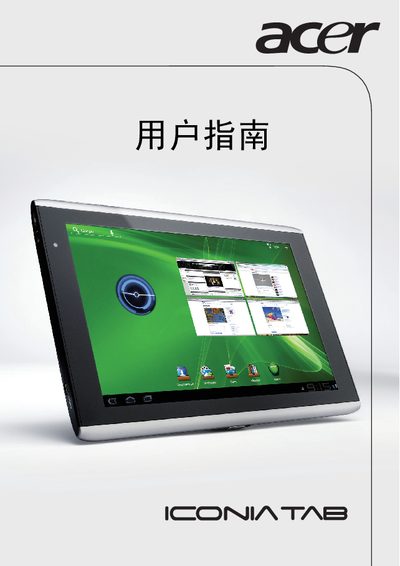
The Acer ICONIA TAB is a tablet computer designed for everyday use, featuring a 10.1‑inch display with 1280 × 800 resolution. This manual guides users through setup, basic operation, and maintenance of the A500 and A501 models.
It includes sections on hardware overview, connectivity options, safety precautions, and detailed regulatory compliance information, as well as technical specifications for the device.
| Display size | 10.1 inch |
|---|---|
| Resolution | 1280 × 800 |
| Model | A500 |
| Model | A501 |