
This document is a user guide for Acer ICONIA TAB A200, describing the features and functions of the product.
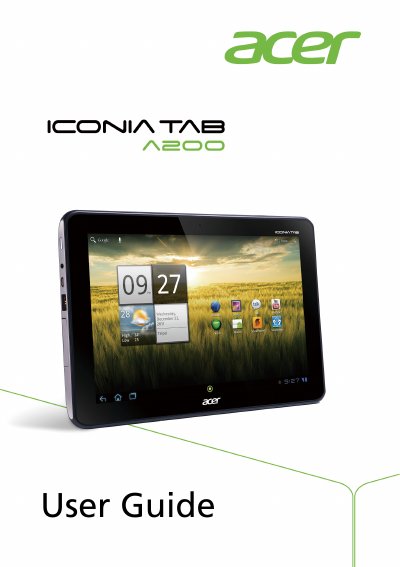
This guide walks you through unpacking, powering on, and configuring the Acer Iconia Tab A200, including initial setup, Wi‑Fi, Google account sign‑in, and basic navigation. It also covers how to use core features such as the touchscreen, camera, multimedia playback, and connectivity options.
Later sections detail advanced settings, battery charging, system updates, and a FAQ that answers common issues like sound problems, OS version checks, storage status, and what to do if the tablet won’t turn on. This manual is written in Chinese.
| Screen size | 10.1‑inch |
|---|---|
| Screen resolution | 1280 × 800 pixels |
| Front‑facing camera | 2 MP |
| Headphone jack | 3.5 mm |
| MicroSD card slot | Supported (optional) |
| DC‑in jack | For power adapter |
If a headset is plugged in, the speaker is automatically disabled; disconnect the headset and check the volume settings.
Open Apps → Settings → About tablet to view the OS version (kernel/build number) and other system information.
Go to Settings → Storage to see the current storage usage.
Recharge the device; see the “Charging your tablet” section for details.