
Key facts
Start here
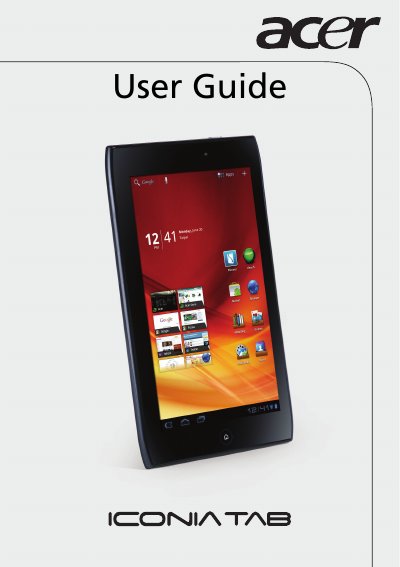
Acer ICONIA TAB A100/A101 User Manual
This user manual provides step‑by‑step instructions for unpacking, registering, and configuring the Acer ICONIA TAB tablets. It covers basic functions such as turning the device on, using the touchscreen, and navigating the home screen.
The guide also details connectivity options (Wi‑Fi, Bluetooth, HDMI, micro‑USB, SIM for A101), multimedia playback, camera usage, and system settings. A full specifications table lists the processor, memory, display, cameras, and power requirements.
ACER A100 specifications
| Processor | NVIDIA Tegra 2 mobile processor |
|---|---|
| CPU | Dual‑core ARM Cortex‑A9 |
| RAM | 1 GB |
| Flash memory | 8 GB or 16 GB |
| Display | 7" WSVGA TFT‑LCD, 1024 × 600 |
| Rear camera | 5 MP with LED flash |
| Front camera | 2 MP |
| Wi‑Fi | 802.11b/g/n (2.4 GHz only) |
| Bluetooth | 2.1+EDR & A2DP |
| HDMI output | Micro (Type D) HDMI |
| Power input | 12 V, 1.5 A DC |
All ACER A100 documents by type
Day-to-day operation, settings and troubleshooting. Start here if the product is already set up.
Questions answered in these manuals
How do I register my Acer ICONIA TAB?
Visit www.acer.com, click Registration, or tap the Acer Registration icon on the tablet and follow the instructions.
How can I connect the tablet to a TV?
Use the Micro (Type D) HDMI output on the tablet to connect to a television.
What is the model number of the tablet?
The model number is A100.
Which European standards does the Acer ICONIA TAB A100 comply with?
It complies with EN 300 328 V1.7.1, EN 300 440‑1 V1.6.1, EN 300 440‑2 V1.4.1, EN 301 489‑1 V1.8.1, EN 301 489‑3 V1.4.1, EN 301 489‑17 V2.1.1, EN 55022:2006/A1:2007, EN 55024:1998/A1:2001/A2:2003, EN 60950‑1:2006+A11:2009, EN 50332‑2:2003, EN 62311:2008 and EN 62209‑2:2010.