
This manual is the user manual for Brother MFC-9120CN MFC-9320CW printer, which mainly introduces the printer's operation panel, paper loading method, general settings, and security functions.
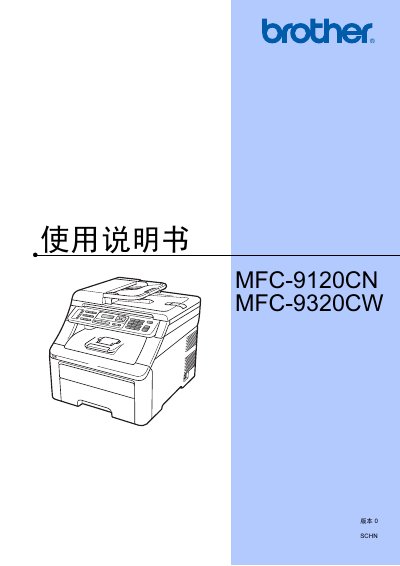
This manual covers all aspects of the Brother MFC-9120CN and MFC-9320CW multifunction printers, including safety information, paper handling, general settings, fax functions, copying, direct printing, and software/network features. It also provides detailed troubleshooting, maintenance procedures, and specifications for both models.
The document is organized into sections such as Overview, Paper Loading, General Settings, Safety Features, Fax, Copy, Direct Print, Software, Appendices, and a comprehensive specifications table, making it a complete reference for end‑users and service technicians. This manual is written in Chinese.
| Paper tray capacity | Up to 250 sheets of standard paper |
|---|---|
| Envelope handling | Manual feeder only; envelopes must meet size and condition guidelines |
| Wireless LAN | Supported on MFC-9320CW only |
| Safety lock 2.0 | Available on MFC-9320CW model |
The paper tray can hold up to 250 sheets of standard paper.
Yes, envelopes can be fed via the manual feeder, but they must meet size and condition requirements.
Wireless LAN is supported only on the MFC-9320CW model.
The safety lock 2.0 can be enabled on the MFC-9320CW through the menu settings.