
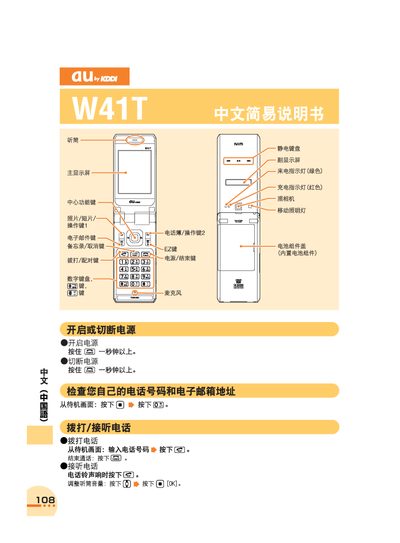
This user manual covers the au by KDDI W41T mobile phone. It describes the main display, keys, indicators, camera, and battery cover.
It includes instructions for turning the power on and off, making and answering calls, adjusting earpiece volume, saving and viewing phonebook entries, using the camera for photos and animations, making international calls, setting English voice guidance, and enabling silent mode or voice memo. This manual is written in Chinese.
Press and hold the power/end key for more than one second.
Enter the international access code, country code, area code without the leading 0, and the phone number, then press the call key.
Press and hold the specified key for more than one second from the standby screen.