
This is a user manual for a DVD video player. It introduces the usage methods, precautions, etc. of the player.
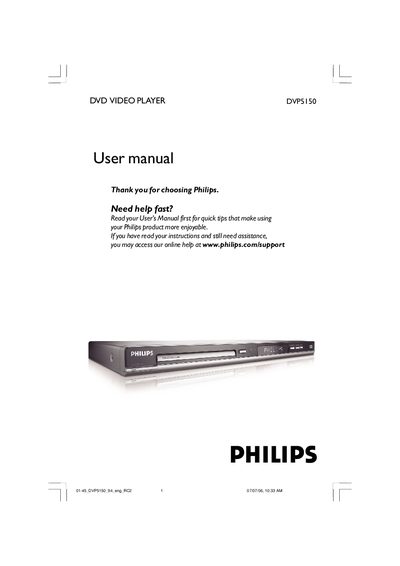
The Philips DVP5150 DVD Video Player User Manual outlines initial setup steps, including inserting batteries into the remote control, connecting the power cord, and using composite or component video jacks. It also details disc operations, audio and subtitle settings, and troubleshooting guidance for common issues.
| Laser Type | Semiconductor laser |
|---|---|
| Wavelength (DVD) | 650 nm |
| Wavelength (VCD/CD) | 780 nm |
| Output Power (DVD) | 7 mW |
| Output Power (VCD/CD) | 10 mW |
| Beam divergence | 60 degree |
| Serial No. Retention | Retain this information for future reference |
Use a micro fibre cleaning cloth and wipe the disc from the center to the edge in a straight line.
Do not use solvents such as benzene, thinner, commercially available cleaners, or anti-static sprays intended for discs.
No, refrain from using a cleaning CD as it may damage the optical unit (laser).