
Philips DVP3560K DVD Player User Manual

This document is the user manual for the Philips DVP3560K EN DVD player, which provides information on safety requirements, product features, connection methods, usage instructions, settings adjustment, troubleshooting, and more.
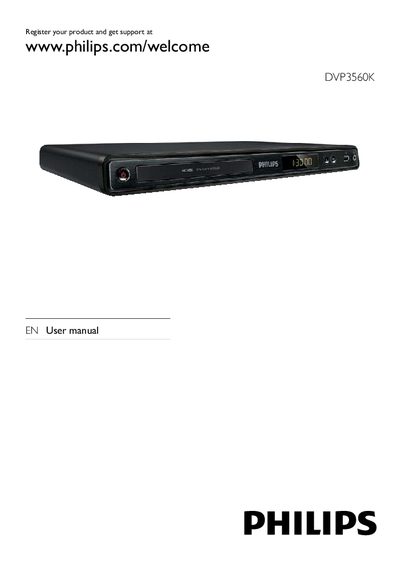

Philips DVP3560K DVD Player User Manual - cover page
Brand
Philips
Category
Player
Document type
User Manual
Language
English
Pages
22
File format
PDF
File size
811 KB
Published
26 March, 2012
Updated
29 September, 2023
MD5 checksum
683CAD9A54B834BE777CBF44EA8BF340

About this manual

This manual guides you through installing and using the Philips DVP3560K DVD player. It covers safety notices, product overview, connections (HDMI, component, composite, audio, USB), remote control setup, and basic operation such as playing discs, music, photos and karaoke.

Additional sections explain how to enable progressive‑scan mode, adjust audio/video settings, update software, and troubleshoot common issues. A glossary of terms and language‑selection options are also included.

What's inside

  • Important safety and notice
  • Your DVD player – playable media and overview
  • Connect – audio/video and power connections
  • Get started – remote control and language setup
  • Play – disc, video, music, photo and USB playback
  • Other features – MP3 creation and karaoke
  • Adjust settings – general, audio, video and preferences
  • Additional information – software update, care, specifications
  • Troubleshooting
  • Glossary
Download PDF (811 KB)

More Philips Manuals


View all Philips manuals →