
This manual introduces the features and characteristics of the Philips BDP3100/BDP3080 Blu-ray player, including connecting, playing, setting, etc.
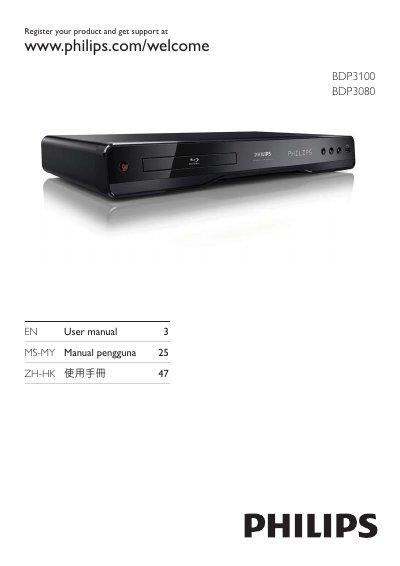
This manual covers everything needed to get started with the Philips BDP3100 and BDP3080 Blu‑ray players. It includes safety notices, feature highlights, supported media formats, and detailed steps for connecting video, audio, network, and USB devices. The guide also explains how to use the remote control, navigate menus, and set up network features such as Philips EasyLink and BD‑Live.
Additional sections provide instructions for adjusting video and audio settings, updating software, caring for the device, and troubleshooting common issues. A glossary of terms and a specifications sheet are included at the end of the document.
| Maximum video resolution | 1080p (24 fps progressive scan) |
|---|---|
| HDMI cable requirement | Category 2 (High‑Speed HDMI) cable recommended |
Turn on HDMI‑CEC (EasyLink) in the TV’s settings and on any connected HDMI‑CEC devices; the player will then control them automatically.
Use a High‑Speed HDMI cable, preferably Category 2, as recommended by Philips for 1080p playback.