
This document is the electronic user manual for the Philips 107H monitor, which introduces the monitor's features, settings, operations, etc.
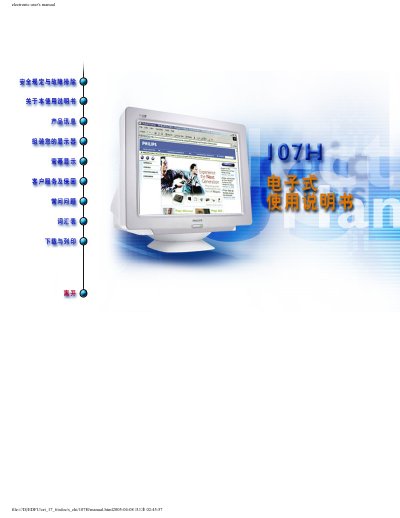
This electronic user manual covers all aspects of the Philips 107H 17‑inch CRT monitor, including safety precautions, product features, installation steps, screen adjustment, and warranty information. It is intended for both end users and qualified service personnel.
The manual contains detailed technical specifications, a quick start guide, frequently asked questions, and contact details for Philips service centers worldwide. It also includes a warranty registration card and instructions for proper disposal and environmental compliance. This manual is written in Chinese.
| Screen size | 17‑inch (16.0‑inch VIS) color monitor |
|---|---|
| Maximum resolution | 1280 × 1024 |
| Horizontal scan frequency | 30 – 71 kHz |
| Vertical scan frequency | 50 – 160 Hz |
| Video input impedance | 75 Ω |
| Power supply | 100‑264 VAC, 50‑60 Hz |
| Weight | 15.0 kg |
装在你的计算机内之影像卡也许相对于显示器规格太高了,请与计算机制造商接洽以降低分辨率。
是的,当经由 OSD 进行去磁动作时,显示器会产生噪音,这是正常的。
请将色温设为 9300 K,检查影像线是否弯曲,或尝试连接到另一台计算机以排除显卡问题。