
This document is the user manual for Philips LCD monitors 220XW8 and 220XW, which includes safety precautions, maintenance, frequently asked questions, troubleshooting, and other related information. It provides instructions and guidelines for using the monitor safely and maintaining it properly.
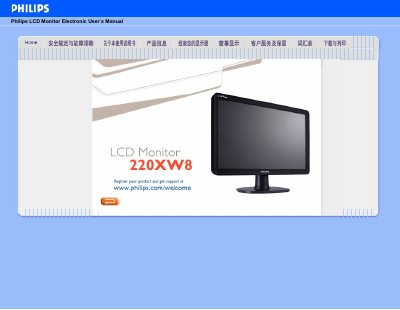
This manual covers safety measures, troubleshooting, and common questions for the Philips 220XW8220XW LCD monitor. It explains how to install the display, adjust screen settings, and use built‑in features such as SmartImage and USB connectivity.
Technical details such as recommended video mode, power consumption, dimensions, and VESA mounting options are listed, along with guidance on driver installation and plug‑and‑play compatibility with Windows operating systems. This manual is written in Chinese.
| Recommended video mode | 1680x1050 @60 Hz |
|---|---|
| Dimensions (W×H×D) | 518 mm × 415 mm × 200 mm |
| Maximum brightness | 6500 K |
| VESA mounting holes | 4 standard holes |
Set the display mode to 1680 × 1050 at 60 Hz as recommended, then restart the computer.
LCD monitors typically operate at 60 Hz, providing a stable, flicker‑free image; higher rates such as 85 Hz do not show a noticeable difference.
Yes, it supports plug‑and‑play on Windows 95, 98, 2000, XP, and Vista.
No, interlaced signals will cause distortion on the screen.