
This is a user manual for H7190CWQ1, which introduces the features and usage of the product.
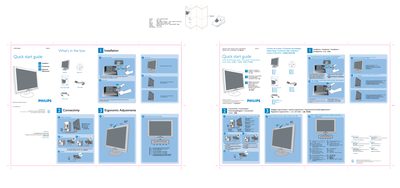
This Quick Start Guide provides the essential steps to get the Philips 190CW LCD monitor up and running. It lists the items included in the box, explains how to place the monitor face‑down, attach the base stand and fold the base for storage.
The guide also describes ergonomic adjustments, cable connections (VGA and power), and the recommended display settings. For optimal performance, use the DVI input and set the resolution to 1440 × 900 at 60 Hz.
| Recommended resolution | 1440 × 900 @ 60 Hz |
|---|---|
| Physical size | 594 mm × 210 mm |
Set the display to 1440 × 900 at 60 Hz using the DVI input.