
This document is about the user manual of Philips 191EW9 monitor, including safety precautions, FAQs and troubleshooting.
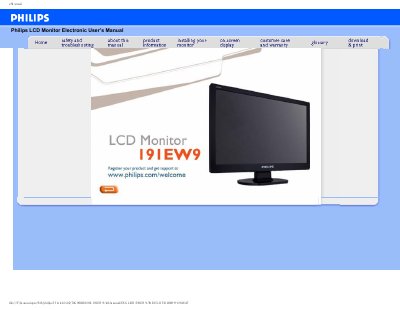
This manual covers safe handling, installation, and everyday use of the Philips 191EW9 LCD monitor. It includes safety precautions, maintenance tips, and troubleshooting steps to help you keep the display operating reliably.
The document also contains detailed technical specifications, pin assignments, VESA mounting information, and a pixel‑defect policy, plus a comprehensive FAQ section that answers common setup and usage questions.
| LCD panel type | TFT LCD |
|---|---|
| Screen size | 18.5" visual |
| Pixel pitch | 0.30 x 0.30 mm |
| Resolution | 1366 x 768 pixels |
| Vertical refresh rate | 56 Hz‑76 Hz |
| Horizontal frequency | 30 kHz‑83 kHz |
| Power supply | 100 ~ 240 VAC, 50/60 Hz |
| Power consumption | <35 W (typ.) |
| Operating temperature | 0 °C – 40 °C |
| Storage temperature | -20 °C – 60 °C |
| Relative humidity | 20 % – 80 % |
| Tilt range | -5° – 20° |
Set the monitor to the recommended video mode of 1366 × 768 @ 60 Hz and adjust the Windows display settings accordingly.
LCD monitors display a stable, flicker‑free image at 60 Hz, so the refresh‑rate value is less critical than for CRTs.
Yes – the monitor has standard VESA mount holes on the rear cover for wall‑mounting or VESA arms.