
The electronic manual introduces the safety measures and repairs, common questions, troubleshooting, regulations and other related information for Philips LCD Monitor
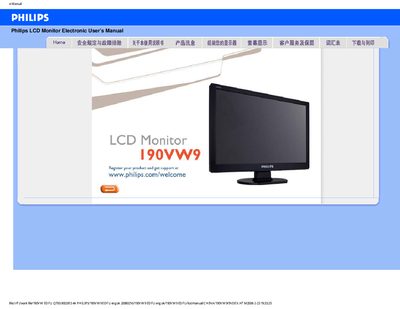
This user guide provides safety instructions and troubleshooting tips for the Philips 190VW9 LCD monitor. It includes guidelines for proper usage, maintenance, and cleaning. The guide also addresses common questions about display settings, compatibility, and technical specifications such as recommended video modes and color temperature options.
The manual covers how to adjust resolution, refresh rate, and color settings via the on-screen display (OSD) menu. It also explains how to install drivers and troubleshoot issues like display errors or power problems.
| Recommended Video Mode | 1440 x 900@60Hz |
|---|---|
| Operating Temperature | 0 - 40°C |
| Operating Humidity | 20-80% RH |
飞利浦19"显示器之建议视频模式为:1440 x 900@60赫兹。按照步骤调整电脑显示设置并重新连接显示器。
只需按 AUTO(自动)调整键,即恢复最佳屏幕位置、相位和同步脉冲设定,无需经过OSD菜单和控制键的调整。