
The document describes the features and characteristics of the SC 1 27 model from Philips.
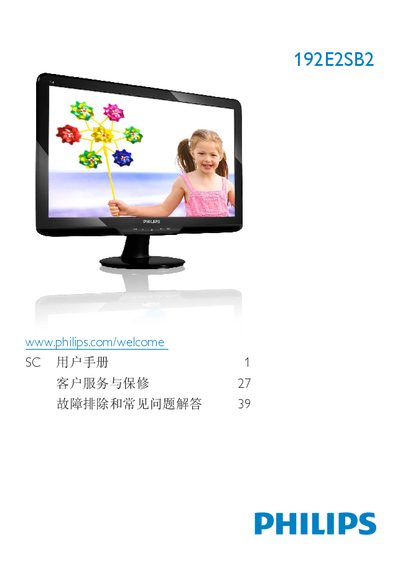
This manual begins with safety precautions and warranty conditions, explaining how to handle the monitor, avoid electrical hazards, and maintain the LCD panel. It then guides you through unpacking, installing the base stand, connecting power and video cables, and configuring the monitor for first use.
The second part covers on‑screen display (OSD) menus, color and contrast settings, SmartImage Lite modes, and common troubleshooting questions such as image retention, wall‑mount installation, and connectivity with PCs, Macs, or workstations. Recycling and disposal instructions are also included. This manual is written in Chinese.
| Operating temperature | 0 °C – 40 °C |
|---|---|
| Relative humidity | 20 % – 80 % RH |