
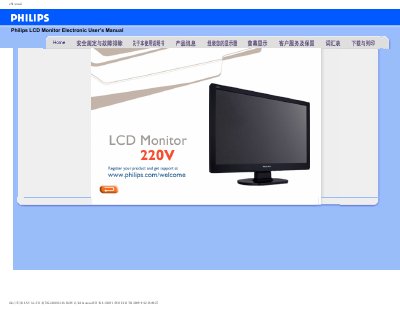
This manual covers safety precautions, proper handling, and maintenance of the Philips 220V LCD Monitor. It explains how to assemble, connect, and adjust the display, as well as cleaning and storage recommendations to ensure long‑term reliability.
The document also includes a detailed FAQ section that addresses common issues such as video mode errors, refresh‑rate settings, and pixel‑defect policies, plus step‑by‑step instructions for adjusting screen settings and using the monitor’s built‑in features.
| Operating Temperature | 0‑40 °C (32‑104 °F) |
|---|---|
| Operating Humidity | 20‑80 % RH |
| Maximum Bright Pixel Defects | 5 |
| Maximum Black Pixel Defects | 5 |
Refresh rate indicates how many times per second the screen updates; for this LCD monitor a stable 60 Hz refresh rate provides smooth image display.
Use a soft, slightly damp cloth for routine cleaning; for a thorough clean, use isopropyl alcohol, avoiding solvents such as ethanol, acetone, or other harsh chemicals.