
This manual introduces the basic operation and functions of the camera
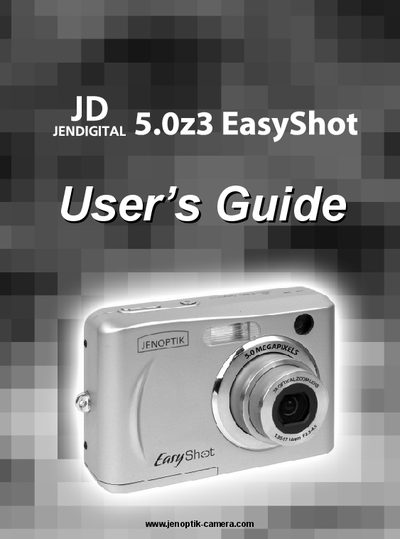
The Concord Camera 5.023 EasyShot User Manual provides step‑by‑step instructions for getting started with the camera, including attaching accessories, inserting batteries and memory cards, and configuring basic settings such as date, time, and power‑save functions.
It also details how to record still images, movies, and audio, use playback and editing features, adjust advanced settings, install required software, and comply with regulatory information. The guide includes troubleshooting tips and safety recommendations.
Turn the camera off, slide the battery cover, insert the SD or MMC card with the label facing up and the arrow pointing in, then close the cover.