
This is an English user manual for the AWB-0001/0014 product.
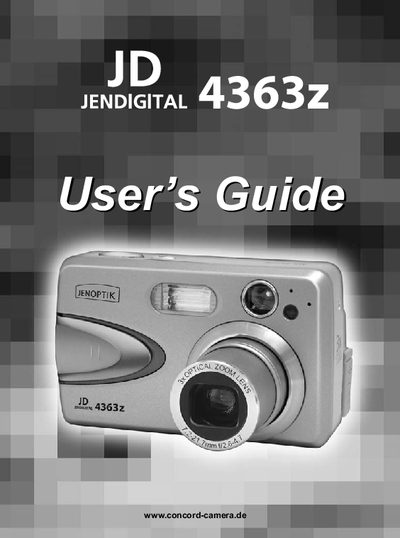
This guide introduces the Concord Camera 4363Z, a compact digital camera with a 4 MP sensor, 3× optical zoom, and built‑in 1.5" color LCD. It explains the camera’s features, button layout, and accessories, helping users become familiar with the device before shooting.
The manual covers getting started (battery installation, power on/off, language and date/time setup), taking photos and video clips, reviewing and managing files, customizing settings, installing companion software, connecting to a computer or TV, and includes safety, regulatory, and troubleshooting information.
| Megapixels | 4.0 MP |
|---|---|
| Image Resolution | 2272 x 1704 |
| LCD Size | 1.5" Color LCD |
| Optical Zoom | 3× |
| Digital Zoom | 6× |
| Video Format | AVI, 30 fps |
| Internal Memory | 16 MB |
| Memory Card Slot | SD Card |
| Battery Type | 2× AA (alkaline, lithium, or Ni‑MH rechargeable) |
Press and hold the Power button for more than 1 second to turn the camera on; press the Power button again to turn it off.
When the camera is powered on for the first time, the Language, Date and Time menus appear; use the arrow keys to select and the OK button to confirm each setting.
The battery level indicator on the LCD shows icons that represent full, low, or empty battery status.