
This manual introduces the basic operation methods of Jenoptik camera, including installing batteries, inserting storage cards, setting date and time, turning on and off the power, switching between recording and playback modes, using menus, operating LCD screen, shooting still images, shooting videos, setting shooting functions, playing back images and videos, and deleting files.
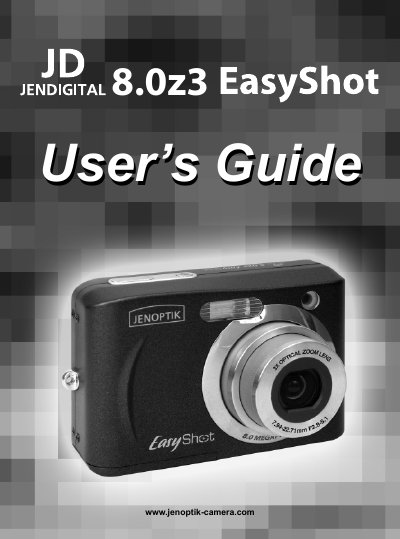
The JD 8.0z3 EasyShot is a compact digital camera. This guide explains how to get started, install batteries and an SD memory card, and understand the camera’s parts and controls.
Key sections cover basic operations such as turning the power on/off, recording still images and movies, using playback and menu settings, adjusting exposure, white balance and ISO, as well as safety, maintenance, regulatory information and full technical specifications.
| Sensor | 8.0 Mega Pixels CCD |
|---|---|
| Lens | 3× optical zoom, 4× digital zoom, 7.94–22.71 mm focal length |
| LCD Monitor | 2.4" TFT color LCD |
| Focus Range (Normal) | 4 cm – Infinity (wide) |
| Aperture | F/2.8 – 5.1 |
| Shutter Speed | 1/8 – 1/2000 sec |
| Still Image Resolution | 3264 × 2448 pixels (8 MP) |
| Video Format | MPEG‑4 with audio |
| Storage | 32 MB internal memory, SD card slot |
| Power Supply | 2 × AA alkaline or rechargeable (≥1600 mAh/1.2 V) batteries, optional AC adapter |
| Weight | ≈ 140 g (without battery) |
Use AA‑size alkaline batteries or rechargeable AA batteries (minimum 1600 mAh/1.2 V); do not use manganese batteries.
Select the Format option in the menu while the camera is turned on; the camera will erase all data on the card.