
This document is a user's guide for the JDC1.3SD camera. It provides detailed information on how to use the camera.
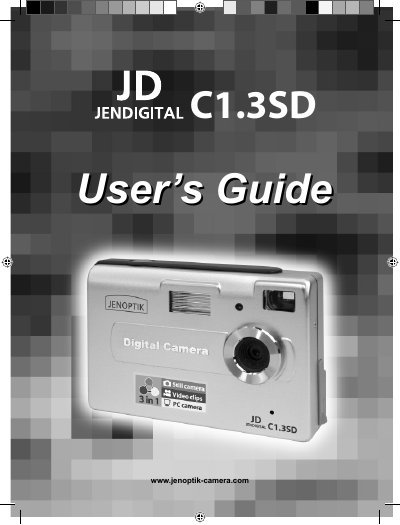
This guide walks you through everything needed to get the JDC1.3SD up and running, from required computer specifications and package contents to detailed instructions for powering the camera, inserting memory cards, and using shooting modes. It also covers software installation, USB connectivity, and how to use the camera as a webcam.
Additional sections describe FCC and Canadian compliance, safety warnings, camera maintenance, troubleshooting steps, and how to obtain further support through the manufacturer’s website.
| Sensor | 1.3 Mega‑Pixel |
|---|---|
| Internal memory | 8 MB (SDRAM) |
| Power source | 3 AAA batteries (1.5 V) |
| Computer interface | USB 1.1 |
| OS support | Windows 98SE/ME/2000/XP |
| Native image resolution | 1280 × 1024 |
| Video resolution | 320 × 240 @ 10 fps |
| Flash modes | Automatic, On (fill), Off |
A PC with a Pentium II Class 400 MHz processor, Windows 98SE/ME/2000/XP, at least 128 MB RAM, 310 MB free hard‑disk space, a USB port, and a CD‑ROM drive.