
This document is about product specifications
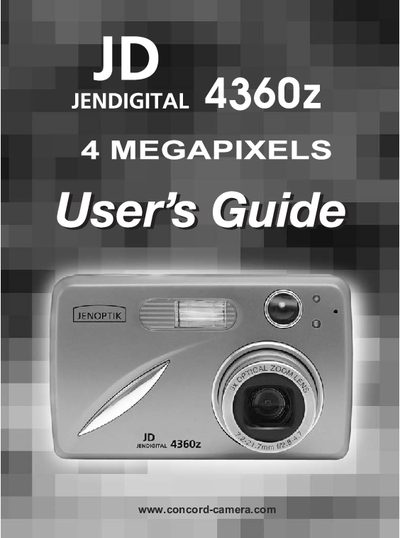
This user guide introduces the Jenoptik JD 4360z digital camera, a 4‑megapixel device with optical and digital zoom, LCD display, and internal memory. It walks you through unpacking, battery installation, and basic controls so you can start taking photos and video clips quickly.
The manual covers detailed topics such as picture taking with the viewfinder or LCD, flash and focus settings, menu navigation, video recording, file transfer to a computer, safety and maintenance tips, and regulatory compliance. It also includes a software installation guide for Windows users.
| Resolution | 4 Megapixels, 2272 x 1704 |
|---|---|
| LCD | 1.5" Color LCD |
| Optical Zoom | 3x |
| Digital Zoom | 6x |
| Internal Memory | 16 MB |
| Memory Card Compatibility | Secure Digital (SD) cards |
| Battery Type | 2 × AA rechargeable NiMH |
Press the Power Button (marked @) to turn the camera on; press the same button again to turn it off.
When the camera is first powered on, the Language Setup screen appears; use the navigation buttons to select a language, then confirm, and set the date and time using the same menus.
The camera uses two AA rechargeable NiMH batteries; alkaline batteries are not recommended.