
This document introduces the features and characteristics of Panasonic 6.0z3 exclusiv series
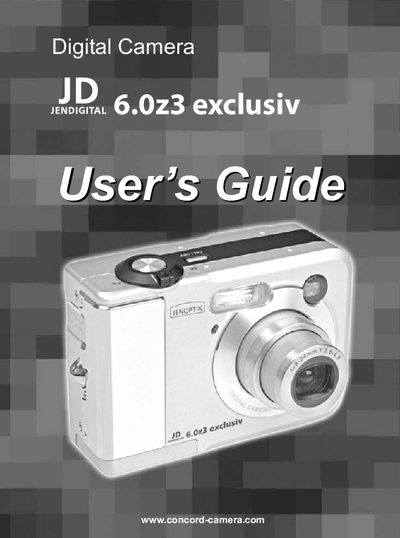
This guide introduces the JD 6.023 digital camera, its package contents, and safety precautions. It details each camera component, power requirements, and how to attach the wrist strap.
The manual covers basic image recording, advanced shooting modes, playback, file management, memory‑card handling, and software installation. An appendix includes menu references, FCC compliance information, and a troubleshooting guide.
| Battery type | AA‑size nickel‑metal hydride rechargeable |
|---|---|
| Power requirements | DC IN 3V |
Use the power button; the manual lists a section titled “Turning the Camera On and Off.”
No, the safety information states the camera must not be operated inside an aircraft.
The guide includes a step‑by‑step section called “Attaching the Wrist Strap.”
The camera uses an SD card; see the “Installing an SD Card” and “Formatting a Memory Card” sections.