
The document is a product manual that mainly introduces the product's functions and features. The product's brand is AWB, and its model number is N28/45.
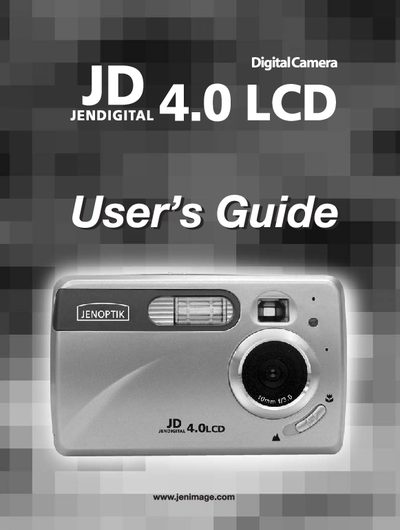
The JD 4.0LCD is a compact digital camera featuring a 4‑megapixel sensor, 1.5‑inch color LCD, and 6× digital zoom. This manual guides you through unpacking, battery installation, memory card use, and basic camera functions.
Inside you will find detailed instructions for turning the camera on and off, navigating menus, adjusting language, date, and time, capturing photos and video clips, reviewing and deleting files, and maintaining the device safely.
| Resolution | 4 Megapixels, 2272 x 1704 |
|---|---|
| LCD Size | 1.5" Color LCD |
| Digital Zoom | 6x |
| Internal Memory | 16 MB |
| Battery Type | 2 × AA alkaline, lithium or rechargeable |
Slide the Power Switch toward the @ icon to power the camera on, and slide it away from the @ icon to power it off.
Press the joystick to highlight the desired language, then press the OK button to select it and confirm the choice.
The LCD displays five distinct battery level indicators.