
Key facts
- Brand
- JD
- Model
- 0Z3
- Industry
- Electronics
- Documents
- 4
- Languages
- EN
- Last added
- 2012-03-23
Start here
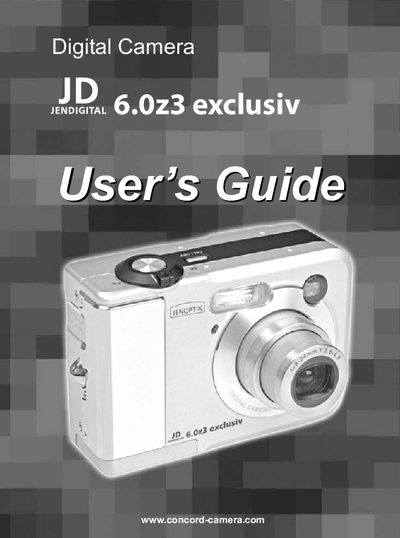
JD 6.0z3 exclusiv user manual
This guide introduces the JD 6.023 digital camera, its package contents, and safety precautions. It details each camera component, power requirements, and how to attach the wrist strap.
The manual covers basic image recording, advanced shooting modes, playback, file management, memory‑card handling, and software installation. An appendix includes menu references, FCC compliance information, and a troubleshooting guide.
JD 0Z3 specifications
| Battery type | Two AA‑size alkaline or rechargeable Ni‑MH (min. 1000 mAh) |
|---|---|
| Memory card type | SD Card |
| Power saving function | Automatic power‑off after inactivity |
| LCD monitor | Provides screen indicators and menu display |
All JD 0Z3 documents by type
Day-to-day operation, settings and troubleshooting. Start here if the product is already set up.
Questions answered in these manuals
How can I format the memory card?
Select the formatting option in the menu (FORMATTING THE MEMORY) to erase and prepare the card for use.
How do I turn the camera on and off?
Use the power button; the manual lists a section titled “Turning the Camera On and Off.”
Can I use the camera on an aircraft?
No, the safety information states the camera must not be operated inside an aircraft.
What type of batteries should I use?
Use AA‑size alkaline batteries or rechargeable AA batteries (minimum 1600 mAh/1.2 V); do not use manganese batteries.
How do I format the memory card?
Select the Format option in the menu while the camera is turned on; the camera will erase all data on the card.
How do I insert a memory card?
Turn the camera off, slide the battery cover, insert the SD or MMC card with the label facing up and the arrow pointing in, then close the cover.